

Embed Widget
Easily insert custom code into your website for advanced functionality and integrations.
Go to Widgets – Open the Widgets panel in your editor.
Navigate to "Other Widgets" – Locate additional customization options.
Select the Embed Widget – Drag and drop it into your page for effortless code integration.
This enables full flexibility for embedding third-party tools, custom scripts, or HTML elements!
Adding your code
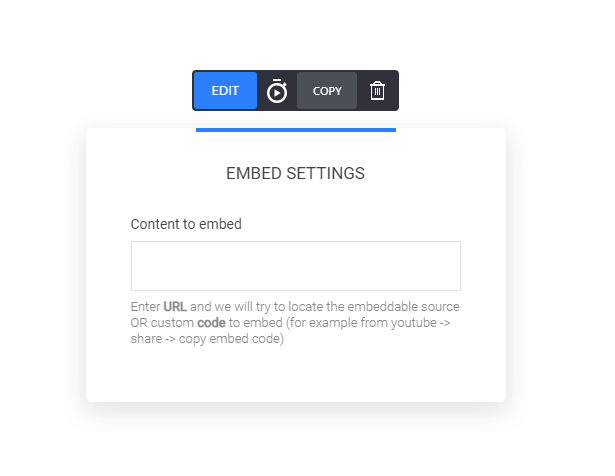
Simply insert the embed code, click save and it will now be displayed in your builder.
Was this helpful?